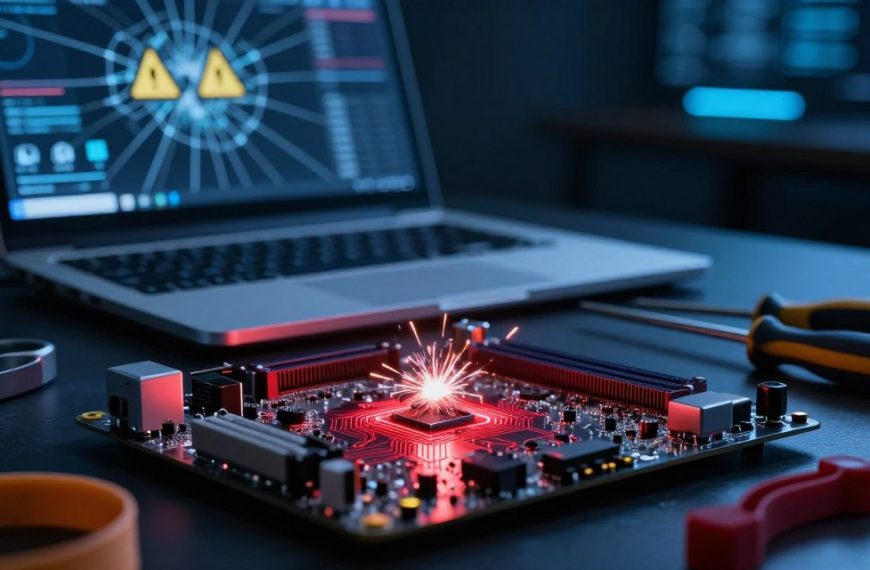


Many people ask, “can computer virus infect hardware?” Traditional threats target software, files, and operating systems. However, a different risk involves firmware attacks.
Firmware links hardware and software and controls device operation. A typical computer virus may not harm physical parts directly. Malicious code can compromise firmware, affect boot processes and device controllers, and create hardware malware.
This article explains the difference between physical damage and firmware compromise. It examines how firmware attacks work, reviews real-world incidents, and identifies vulnerable devices. It offers practical protection strategies because understanding these risks is essential today.
Key Takeaways
- Traditional viruses primarily target software rather than physical components.
- Firmware acts as a critical layer between hardware and software.
- Malicious code can compromise firmware, affecting device functionality.
- Understanding firmware attacks is vital for protecting devices.
- Real-world incidents highlight the risks associated with firmware vulnerabilities.
Understanding Computer Viruses and Hardware: The Basics
To understand the computer virus definition and its impact, we must grasp its basic nature. A computer virus is a type of malicious code designed to replicate itself by modifying files, programs, or system components. These viruses can disrupt normal computer operation, causing data loss and system failures.
On the other hand, hardware refers to the physical components of a computer system. These include the processor, memory, motherboard, storage drives, graphics cards, network adapters, and connected peripherals. Understanding hardware is crucial when discussing how viruses interact with these components.
The software versus hardware relationship is traditionally straightforward. Software provides the instructions that hardware executes, creating a functional synergy. However, this means malicious code can influence hardware behavior without becoming a physical organism or directly infecting the component.
Many misconceptions exist about how a virus operates within a computer system. One common belief is that a virus can permanently “live inside” a processor as it does in a file. In reality, this is not the case.
Viruses can affect the software that interacts with hardware, but they do not embed themselves in hardware the same way. This distinction is important for understanding cybersecurity.
It prepares us for a precise explanation of how firmware occupies an intermediate layer between hardware and operating-system software.
Can a Computer Virus Infect Hardware? The Direct Answer
Can a computer virus infect hardware? Not directly, but it can compromise systems controlling the device. A traditional virus cannot physically infect hardware, yet it can manipulate firmware and software, causing problems while hardware stays intact.
The Short Answer: Yes, Indirectly
Malicious code can enter firmware and change how hardware components work. It may corrupt firmware, disrupt boot processes, or disable essential device functions. This hardware infection can create persistent unauthorized access, making detection and repair difficult, while leaving hardware vulnerable to software manipulation.
The Difference Between Infecting and Damaging Hardware
It is important to separate hardware infection from hardware damage. An infection usually changes firmware or software, causing malfunctions without physical damage. Hardware damage from malware may cause overheating, electrical failures, or destroyed components, so this difference helps diagnosis.
Why This Distinction Matters for Security Professionals
Security professionals must identify whether firmware infection or actual hardware damage caused an issue. This choice guides incident response, forensic investigations, and hardware replacement decisions. Reimaging may suffice, but firmware reflashing or complete hardware replacement may be necessary; the source shapes risk assessment and remediation.
What Is Firmware and Why Does It Matter?
Firmware is crucial code in modern computing, though people often overlook it. It is specialized low-level code stored in nonvolatile memory. This code initializes, manages, and controls hardware, often before the operating system loads.
Firmware has privileged access to hardware. It can interact directly with hardware without interference from standard security tools. This limited monitoring can leave firmware vulnerable to attacks.
Defining Firmware in Modern Computing
To understand what is firmware, start with its role in hardware. Firmware is software embedded in hardware devices. It tells devices how to communicate with other computer hardware.
Device firmware appears in motherboards, hard drives, and network equipment. It helps hardware operate correctly and efficiently.
Where Firmware Lives in Your Devices
Firmware resides in several locations within devices. Common areas include:
- Motherboard UEFI or BIOS chips
- Hard-drive and solid-state-drive controllers
- Network routers and modems
- Printers, smartphones, and cameras
- Internet of Things (IoT) devices
Each component relies on firmware to work properly. This makes firmware essential to device operation.
Why Firmware Is a Prime Target for Attackers
Attackers target firmware because it supports malicious activity. It can keep malicious code in place through operating-system reinstalls. Even a system cleanup may not remove it.
Firmware also operates below many endpoint detection tools. This lets attackers compromise devices at a basic level and control trusted startup processes. Firmware security helps protect devices and critical infrastructure for home users, businesses, and government agencies.
How Firmware Attacks Work: The Attack Vector Explained
Firmware attacks threaten devices across today’s digital world. Learning how they work helps you understand their possible impact. Typical stages include access, privilege escalation, firmware changes, persistence, and command-and-control activity.
The Anatomy of a Firmware Attack
An attack often starts when someone finds a device with known weaknesses. After gaining access, the attacker raises privileges for deeper control. They then alter firmware and insert malicious code that can escape traditional security tools.
Afterward, the malware creates persistence and stays after reboots or system reinstalls. Persistent malware can avoid detection and continue harmful actions, creating a major challenge for security professionals.
Common Infection Methods
Firmware attacks use many methods, each targeting different weaknesses. The following methods are among the most common infection techniques.
Supply Chain Compromises
Supply chain attacks are especially concerning. Attackers may tamper with hardware before it reaches the end user. They might compromise vendor build systems or add malicious updates during manufacturing.
Attackers can also exploit third-party management tools to introduce vulnerabilities.
Phishing and Social Engineering Tactics
Phishing and social engineering provide another common attack method. Attackers may trick users or administrators into opening malicious tools or sharing sensitive credentials.
They may send convincing emails that request rogue firmware updates, leading to unauthorized access.
Physical Access Exploits
Physical access creates a serious risk. Attackers can exploit open ports, removable media, or debugging interfaces.
Unattended devices are especially vulnerable because unauthorized people can install malicious firmware.
Persistence: Why Firmware Attacks Are Hard to Detect
Firmware attacks are difficult to detect because their malware can persist. This malware may run before the operating system loads, avoiding traditional security tools.
It can survive disk replacements and operating system reinstalls, making detection even harder.
UEFI malware may use trusted update mechanisms to avoid security checks focused on files and processes. Organizations need broad defenses that extend beyond conventional security methods.
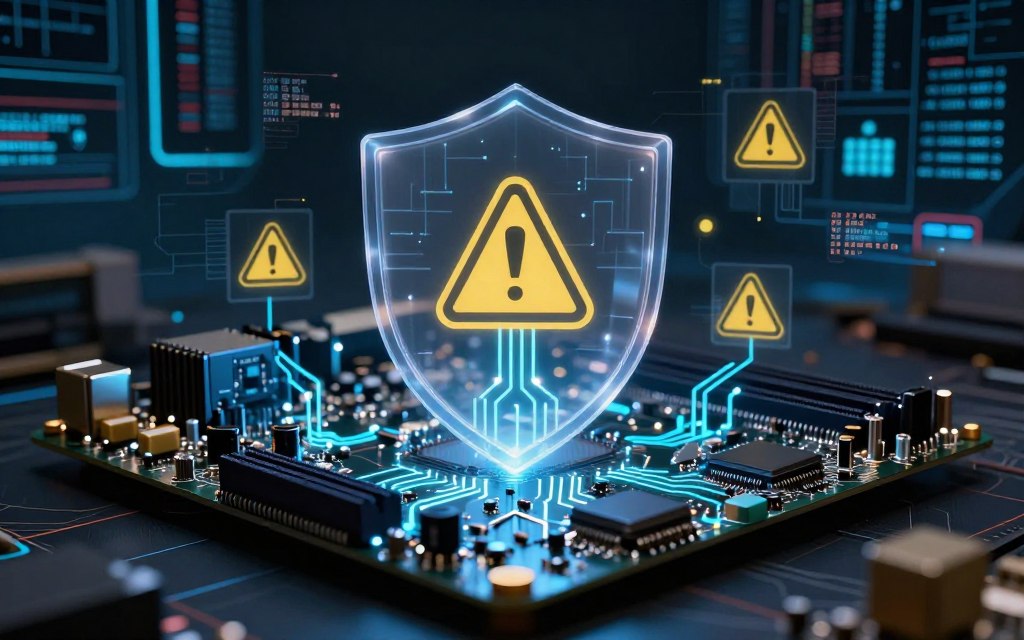
Knowing the main firmware attack vectors helps protect your hardware. Understanding these attacks helps you prepare for and defend against potential threats.
For more insights on notable firmware attacks, you can check out this detailed article.
Notable Real-World Firmware Attacks
Notable firmware attacks show why strong security measures matter. These incidents exposed weaknesses in modern computers and showed why cybersecurity teams must stay alert.
The LoJax UEFI Attack (2018)
The LoJax UEFI attack marked a major turning point in firmware security. An advanced persistent threat (APT) targeted UEFI firmware and kept access after an operating system reinstallation. LoJax embedded itself in firmware, creating a lasting threat that traditional antivirus tools struggled to detect.
The BlackLotus UEFI Bootkit (2022)
In 2022, the BlackLotus bootkit emerged as sophisticated malware that exploited weaknesses in the Windows boot process. It showed how boot-level malware could bypass trusted startup protections. Poorly secured, unpatched systems became prime targets, letting BlackLotus disrupt normal operations and control devices.
The VPNFilter Router Malware (2018)
The VPNFilter malware attack in 2018 showed the risks linked to network devices. This malware affected routers and other connected devices, showing the dangers of firmware-level or device-resident malware. Unlike traditional computer malware, VPNFilter threatened the infrastructure supporting internet connectivity and showed why every device needs strong security.
Lessons Learned from Major Incidents
These incidents offer crucial lessons for cybersecurity professionals and organizations. Timely firmware patches, secure boot settings, vendor coordination, asset inventories, and network monitoring help reduce risks and detect anomalies early. A strong incident-response plan prepares organizations to act quickly during a firmware attack.
Common Devices Vulnerable to Firmware Attacks
Many devices today have firmware flaws, making them targets for cyber threats. Knowing which vulnerable devices face risks helps users improve security. This guide covers common devices with exploitable firmware.
Desktop and Laptop Computers
Desktop and laptop computers support personal and professional work. UEFI, BIOS, storage controllers, and graphics firmware may contain flaws. Attackers can exploit these weaknesses to gain access or disrupt operations.
Network Routers and Modems
Routers and modems provide vital internet connections. Outdated firmware can expose administrative interfaces and let router firmware malware enter networks. This may expose sensitive data and weaken network security.
Internet of Things (IoT) Devices
IoT devices create new security challenges. Smart cameras, locks, appliances, and medical devices often use weak updates and default passwords. These flaws make them easy targets and show why IoT firmware security matters.
Industrial Control Systems and Critical Infrastructure
Industrial control systems (ICS) and critical infrastructure support society. Compromised controllers, gateways, and programmable logic controllers can cause serious operational and safety problems. Risk depends on the model, firmware version, and vendor support.
| Device Type | Common Vulnerabilities | Impact of Compromise |
|---|---|---|
| Desktop/Laptop | UEFI, BIOS vulnerabilities | Unauthorized access, data loss |
| Router/Modem | Outdated firmware | Network breaches, data theft |
| IoT Devices | Weak passwords, poor updates | Privacy invasion, device hijacking |
| Industrial Systems | Firmware exploits | Operational disruption, safety hazards |
Signs Your Hardware May Be Compromised
Performance problems may reveal deeper hardware trouble. Spotting hardware security symptoms helps you act quickly. Watch for these key warning signs:
Performance Red Flags to Watch For
- Unexplained Crashes: Frequent crashes can signal underlying problems.
- Boot Failures: Difficulty starting up your device may point to firmware issues.
- Repeated Configuration Changes: If settings revert unexpectedly, it could indicate tampering.
- Inability to Update: Devices that cannot receive updates may be compromised.
- Persistent Issues After Reinstallation: If problems continue after an OS reinstall, investigate further.
- Unusual Peripheral Failures: Malfunctioning connected devices may suggest deeper issues.
Unexplained Network Activity
Network monitoring is essential. Watch for unusual network activity, including:
- Unexpected Outbound Connections: Check for unfamiliar connections from your devices.
- Router Configuration Changes: Unauthorized changes can be a sign of compromise.
- Unfamiliar Administrator Accounts: New accounts that you didn’t create should raise alarms.
- Abnormal DNS Behavior: Changes in DNS settings can indicate a security breach.
- Traffic from Inactive Devices: If devices are sending data when they should be idle, investigate.
When to Suspect a Firmware-Level Infection
Be cautious when you notice these signs of firmware compromise:
- Symptoms Persist After Clean Installation: If issues remain post-installation, it may be serious.
- Unauthorized Settings Restoration: Devices that revert to previous configurations may be compromised.
- Disabled Security Controls: If security features are turned off without your action, take note.
- Vendor Diagnostics Indicate Changes: Any alerts from vendor tools should be taken seriously.
Preserve logs and disconnect affected systems when appropriate. Avoid unnecessary reboots, then contact your device vendor or a qualified incident-response team. Consumer antivirus software alone may not support low-level investigations.
For more information on security practices, check out this guide on securing your accounts.
How to Protect Your Hardware from Firmware Attacks
Protecting hardware from firmware attacks is vital in today’s digital world. The right steps help secure devices and preserve system integrity.
Keep Firmware Updated Regularly
One effective way to protect against firmware attacks is keeping firmware updated. Manufacturer updates often fix security weaknesses. Monitor vendor advisories and install updates from verified sources.
Enable Built-In Security Features
Modern hardware often includes built-in security features that improve protection. Activating these features can greatly reduce the risk of firmware attacks.
Intel Boot Guard and AMD Platform Security Processor
Intel Boot Guard and the AMD Platform Security Processor support hardware-rooted trust and verification. They help ensure that only trusted firmware loads during boot, but proper configuration and management remain essential.
Secure Boot and Trusted Platform Module (TPM)
Secure Boot allows only trusted boot components to load. A Trusted Platform Module (TPM) protects cryptographic keys and supports measured boot. Correct settings are needed for Secure Boot and TPM security to work effectively.
Source Hardware from Trusted Vendors
Choose reputable vendors when buying hardware. Look for clear update policies, signed firmware, and vulnerability-disclosure programs. Long-term support can also show that a supplier is trustworthy.
Use Endpoint Detection and Response (EDR) Tools
Using Endpoint Detection and Response (EDR) tools can reveal suspicious behavior at the operating-system level. EDR tools provide useful telemetry, but they may miss some firmware implants. Therefore, include them in a broader security strategy.
Implement Network Segmentation
Network segmentation can limit the effects of compromised devices. Combine it with least privilege, administrative-interface protection, and multifactor authentication to improve overall security. Regular backups and incident-response testing can also reduce possible damage.
Conclusion
Understanding firmware attacks matters in today’s digital world. A computer virus cannot infect hardware directly, but it can compromise firmware and essential boot components. This can create serious weaknesses in devices, from personal computers to critical infrastructure.
Firmware protection helps maintain hardware cybersecurity. These attacks can survive operating system reinstallation, which makes them especially dangerous. Users should stay alert and use computer virus prevention strategies.
Keep firmware and operating systems updated to reduce firmware threats. Secure Boot and hardware-backed security features add another layer of defense. Sourcing hardware from trusted vendors and monitoring device behavior also strengthen security.
Organizations face greater firmware risks when they handle sensitive data or operate vital systems. Regular network segmentation and tested recovery plans can help reduce these risks. Firmware attacks may be less common for individuals, but everyone needs awareness and preparation.

 By
By