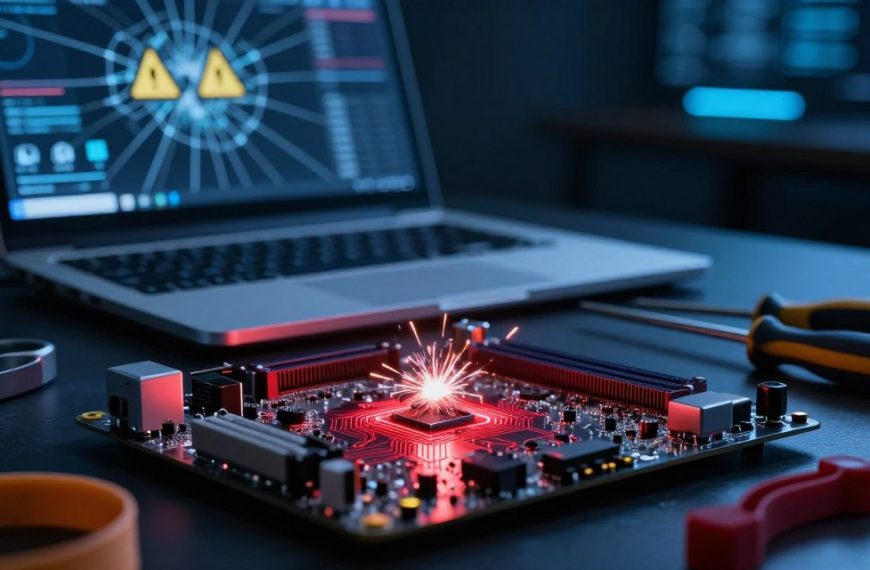
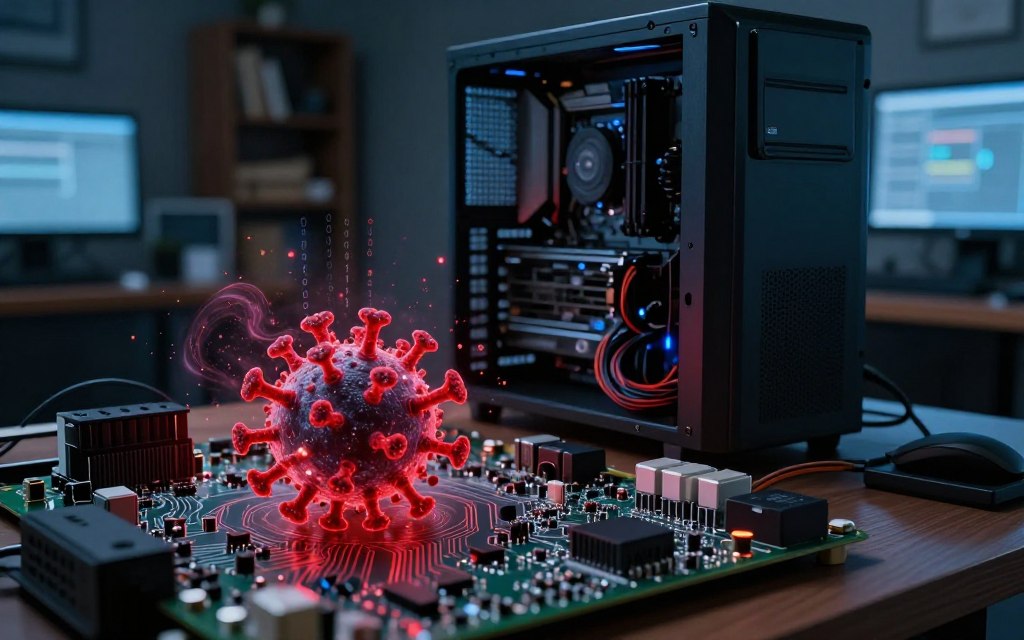

Many people ask, can a virus damage computer hardware physically, but the answer is more complex. Most traditional threats and modern malware target software, files, and operating systems. They usually do not directly harm device components.
Direct destruction is rare, but malware can still affect hardware indirectly. The risk of computer virus hardware damage is usually indirect, involving overheating, heavy disk activity, or unusual power use. These problems may stress hardware over time, cause failures, and make this difference important to understand.
This article explores common myths about malware and computer hardware, plus rare hardware-level risks. It covers Windows PCs, Macs, laptops, and desktops, offering practical guidance without causing needless fear. A malware infection does not mean your device needs a complete overhaul.
Key Takeaways
- Most malware affects software, not hardware.
- Indirect stress on hardware can occur due to malware.
- Overheating and excessive disk activity are potential risks.
- Myths about physical damage are common but often unfounded.
- Practical guidance is available for various devices.
Understanding Computer Viruses and How They Work
Computer viruses threaten users and businesses. Learning what is a computer virus and how it works helps protect your devices. A virus is malicious code that copies itself by attaching to files, programs, or documents.
This malware category also includes ransomware, spyware, and trojans.
Viruses often arrive through malicious downloads, phishing emails, or compromised websites. After activation, a virus can spread through the operating system and cause different types of damage. It may corrupt files, steal data, or disrupt system functions.
To understand how computer viruses work, compare software with hardware. Software gives instructions and data to hardware, including the CPU, RAM, and storage drives. Ordinary software malware cannot physically alter or destroy these parts; unusual access or unsafe conditions would be needed.
What Is a Computer Virus?
A computer virus is built to copy and spread, often harming data and systems. Unlike other malware, it attaches to executable files and can spread between systems.
How Viruses Interact With Your System
After entering a system, a virus can run commands that interrupt normal operations. It may access sensitive information, change files, or use system resources without permission.
Software vs. Hardware: The Critical Distinction
Knowing hardware versus software is vital when studying viruses. Software can control hardware operations, but it usually cannot directly damage physical parts. This difference explains the threats posed by viruses and other software malware.
Can a Virus Damage Computer Hardware? The Direct Answer
In most cases, a virus cannot physically destroy hardware like fire, electrical surges, or liquid spills can. Most malware targets software because software attacks are easier to distribute, automate, and monetize. Cybercriminals often prefer stolen credentials, ransom-encrypted files, or fraudulent transactions over damaged devices.
Attackers usually target software vulnerabilities because these exploits can bring large financial gains. Accessing sensitive data or hijacking computing resources often earns more than causing hardware failure.
Some sophisticated malware gains privileged access, letting it alter firmware or device settings. This may disable cooling controls or force processors and graphics cards to run under sustained loads, eventually causing hardware failure.
Documented cases of direct hardware damage from viruses are rare and require specific conditions. For example, destructive malware has affected industrial control systems by compromising firmware or boot components. These incidents show the technical challenges and specific weaknesses required for hardware damage.
The key question is: can malware physically damage a computer? In rare cases, yes, but such claims are often exaggerated online. Understanding how malware works helps users take informed steps to protect their systems.
For more information on how viruses operate, you can visit this resource.
Common Myths About Viruses and Hardware Damage
Computer virus myths are common among computer users. Many users think malicious programs can directly damage hardware components. This section debunks three common myths about computer virus damage to hardware.
Myth 1: A Virus Can Physically Destroy Your Hard Drive
The virus destroying hard drive myth says a virus can shatter or burn out a hard drive. In reality, a virus can corrupt the file system, delete files, or encrypt data, but cannot physically destroy it.
Malware may start heavy read/write activity, causing more hard drive wear and tear. Hard drives can fail because of age and mechanical issues, not only because of a virus.
Myth 2: Viruses Can Fry Your Motherboard
Another myth says malware can send a command that fries your motherboard. This idea is far from reality because ordinary malware cannot directly damage electronic components.
Motherboard failures usually result from defective parts, power surges, liquid damage, overheating, or improper installation. Therefore, blaming motherboard damage from malware alone is misleading.
Myth 3: Malware Can Cause Your Computer to Overheat Permanently
Some users believe malware overheating computer systems can cause permanent heat damage. Certain malware can cause temporary spikes in CPU or GPU usage.
Modern computers use thermal sensors, throttling mechanisms, and automatic shutdown features to prevent damage. Repeated overheating can cause long-term wear, especially in poorly ventilated systems.
Malware alone does not usually cause permanent heat damage. Check for blocked vents, failed fans, or a faulty power supply before blaming a virus.
| Myth | Reality | Common Causes of Damage |
|---|---|---|
| A virus can physically destroy your hard drive | Viruses corrupt files but do not cause physical damage | Mechanical failure, age, and environmental factors |
| Viruses can fry your motherboard | Malware cannot directly damage hardware components | Power surges, liquid damage, manufacturing defects |
| Malware can cause permanent overheating | Overheating is usually temporary and preventable | Blocked vents, failed fans, or inadequate cooling |
Understanding these computer virus myths helps users protect their systems. Knowing how malware interacts with hardware helps people choose proper safety steps. For more information on what constitutes a computer virus, visit this resource.
Realistic Hardware Risks From Malware
Malware can harm hardware through indirect effects, not sensational ones. These problems may seem minor, but they can cause serious wear over time. Malware causing overheating is one realistic risk.
Overheating Caused by Resource-Intensive Malware
One major risk is malware causing overheating. Cryptojacking malware can hijack your CPU or GPU to mine cryptocurrency. Constant mining raises the workload and temperature of these parts.
As temperatures rise, your computer’s fans work harder to cool the system. This uses more electricity and may wear out the fans. Persistent overheating can shorten hardware life, so monitor CPU and GPU usage regularly.
Hard Drive Wear and Tear From Constant Activity
Hard drive wear from malware can affect older mechanical drives. Malicious tasks, such as logging, file encryption, and data replication, can keep the disk active. That constant activity places extra strain on the drive.
This does not guarantee immediate failure. However, constant activity can greatly shorten the drive’s life. Check your hard drive’s health regularly to find serious issues early.
Power Supply Strain From Cryptojacking
Cryptojacking can strain your power supply unit (PSU). A legitimate PSU can handle different loads, but sustained high demand may expose weaknesses. This strain can cause power supply failure and damage other components.
Make sure your power supply meets your system’s needs. Upgrade it if you notice unusual behavior, including unexpected shutdowns or flickering lights.
Peripheral Damage and Connected Devices
Malware can compromise connected devices, including USB drives, network storage, routers, printers, and Internet of Things (IoT) devices. Unsafe updates or corrupted firmware often cause these problems. They may also lead to malware connected devices and potential damage.
Direct electrical destruction is rare, but compromised settings can make peripherals malfunction. Update firmware regularly and watch connected devices for unusual activity.
Firmware Attacks: The Rare but Real Threat
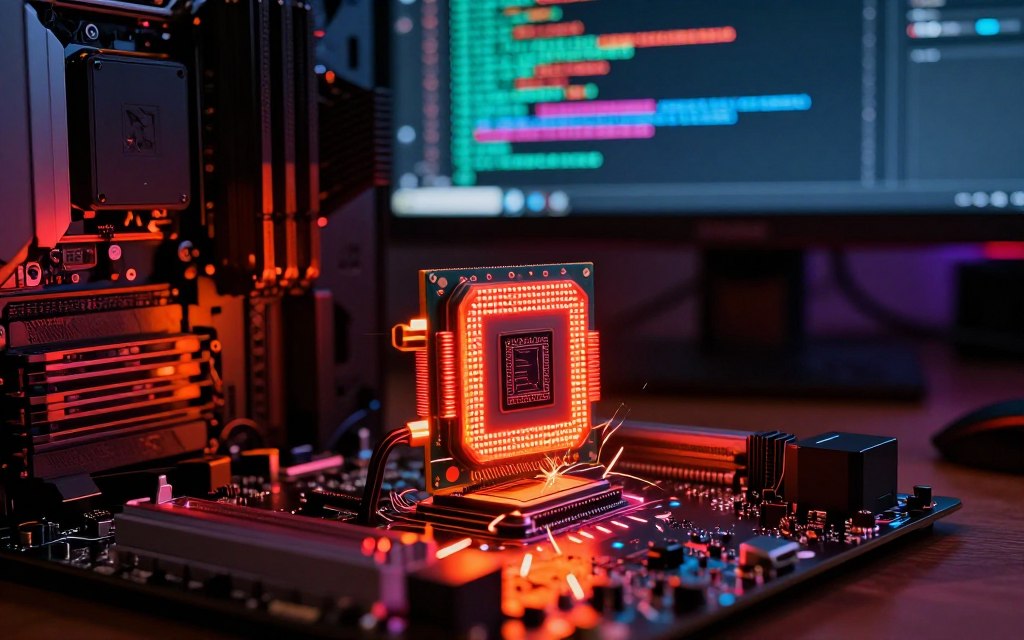
Firmware attacks threaten computer hardware, but people often overlook them. They target low-level software in BIOS, UEFI, storage controllers, and network devices. Firmware malware runs beneath the operating system, survives normal reinstalls, and controls hardware startup.
What Is Firmware Malware?
Firmware malware is malicious code that infects hardware firmware. Unlike traditional malware, it changes how hardware works. It can survive system reinstalls, making detection and removal difficult.
Notable Firmware Attacks in History
Several firmware attacks have increased awareness of this threat. The LoJax UEFI rootkit targeted UEFI firmware and survived operating system reinstallation. The Equation Group used advanced firmware capabilities to compromise hardware security.
Why Firmware Attacks Are Difficult to Detect
Security tools inside the operating system often miss firmware attacks. BIOS malware may look like a hardware failure, which makes diagnosis harder. This limited visibility shows why strong protection against hardware security threats matters.
To defend against firmware attacks, consider these measures:
- Enable Secure Boot to ensure only trusted firmware is loaded.
- Regularly apply trusted firmware updates from manufacturers.
- Stay informed about manufacturer security advisories.
- Utilize hardware-backed security features to enhance protection.
- Restrict administrative access to minimize risks.
| Attack Type | Target | Impact |
|---|---|---|
| LoJax | UEFI Firmware | Persistence across OS reinstalls |
| Equation Group | Various Hardware | Advanced capabilities for espionage |
| BIOS Malware | Motherboard Firmware | System control and data theft |
How to Protect Your Hardware From Malware
Use effective strategies to protect computer hardware from malware attacks. These steps lower infection risks and limit damage to your computer.
Keep Your Operating System and Software Updated
Regular updates improve security by fixing weaknesses that attackers may exploit. Follow these steps for secure software updates:
- Enable automatic updates for your operating system and applications.
- Manually check for updates for drivers and firmware.
- Only download firmware from the manufacturer’s website.
Use Reputable Antivirus and Anti-Malware Solutions
A strong antivirus program can find harmful files and detect suspicious behavior. Compare these options when choosing the best antivirus for U.S. users:
Top Antivirus Solutions for U.S. Users
| Antivirus | Features | Pricing |
|---|---|---|
| Microsoft Defender | Integrated with Windows, real-time protection | Free |
| Bitdefender | Advanced malware protection, VPN included | Starting at $19.99/year |
| Malwarebytes | Excellent for ransomware protection | Starting at $39.99/year |
| Norton | Comprehensive security suite | Starting at $29.99/year |
| ESET | Lightweight, effective against phishing | Starting at $39.99/year |
Enable a Hardware-Based Firewall
A hardware firewall, such as one in your home router, adds another layer of protection. This network defense helps block unauthorized access.
- Using an operating system firewall for host-level controls.
- Regularly reviewing firewall settings to ensure optimal security.
Practice Safe Browsing and Download Habits
Careful online habits can help prevent malware infections. Follow these malware prevention tips:
- Use unique passwords and enable multifactor authentication.
- Handle emails cautiously, especially from unknown sources.
- Verify downloads and only use trusted websites.
- Limit administrator privileges on your devices.
- Regularly back up important data and keep backup devices separate from your network.
These strategies help protect computer hardware from malware. They also reduce damage from harmful activity.
What to Do If You Suspect a Malware Infection
If you think your computer has an infection, recognizing the symptoms is essential. Early detection can limit damage and help restore your system. Common signs of malware infection include:
- Unexplained slowdowns in performance
- Unusually high CPU or GPU activity
- Frequent crashes or freezes
- Browser redirects to unfamiliar sites
- Unfamiliar programs appearing on your device
- Disabled security tools or software
- Unexpected account activity or locked files
- Unusual fan noise or overheating
- Unexplained network traffic
Recognizing these signs of malware infection is the first step toward solving the problem. If you notice these symptoms, act quickly.
Steps to Remove Malware Safely
Use these malware removal steps to learn how to remove malware safely:
Step 1: Disconnect From the Internet
First, disconnect your computer from the Internet. This limits command-and-control communication and helps prevent the malware from spreading.
Step 2: Boot Into Safe Mode
Next, boot your computer into Safe Mode. This mode loads fewer services, which can make some threats easier to remove. Windows users should restart and press F8 during startup. macOS users should hold the Shift key while booting.
Step 3: Run a Full System Scan
After entering Safe Mode, run a full scan with updated security software. The scan can identify and remove malware. In some cases, use an offline rescue environment for deeper scans.
Do not randomly delete suspicious files or use unknown “cleaner” tools. These actions can complicate recovery and cause data loss.
When to Seek Professional Help
Some infections need expert help. Consider professional malware removal if:
- You suspect a firmware infection
- Your files are encrypted
- The system contains sensitive data
- Malware repeatedly returns after cleanup
- Hardware symptoms persist despite attempts to clean the system
As the saying goes, “An ounce of prevention is worth a pound of cure.” Proactive steps can save time and reduce stress later.
The Future of Malware and Hardware Security
The future of hardware security stands at a crossroads as emerging malware threats change the security landscape. As technology advances, attackers grow more skilled and target hardware components, not only software. Security measures must evolve to meet these new challenges.
Emerging Threats Targeting Hardware
Malware now reaches beyond traditional attacks. Future threats may exploit weaknesses in firmware, cloud-connected devices, and supply chains. Attackers may steal credentials or abuse resources while hiding their activity, seeking lasting access without detection.
Advances in Hardware-Based Security Features
In response, major advances in hardware-based security features are underway. Technologies such as Secure Boot, Trusted Platform Modules, and hardware-backed encryption protect systems. These features make unauthorized changes harder, but secure software practices and regular updates remain necessary.
The Role of Manufacturers Like Intel and AMD
Manufacturers such as Intel and AMD play a key role through Intel security features and AMD security features. They help equip processors with vulnerability protections, disclosure programs, microcode updates, and tools that isolate sensitive workloads. Security responsibility is shared by chip designers, computer makers, operating-system developers, cloud providers, IT administrators, and users.
As systems become more connected, hardware security improves but also creates new attack surfaces. To stay ahead of emerging malware threats, remain alert and take proactive security measures. For more guidance, Learn more about securing your digital accounts.
Conclusion
Finding the can a virus damage computer hardware answer matters to every computer user. Most viruses target software, data, and system functions, not physical destruction of computer parts. However, malware hardware risks can involve overheating, heavy disk use, and cryptojacking, which stress components over time.
An infected computer may become hot, slow, noisy, or unstable, but dust, failing fans, or aging parts can cause similar symptoms. To protect your computer from viruses, follow computer security best practices and update your operating system, applications, and security tools. Use reputable antivirus software and enable firewalls for strong protection.
Practice safe browsing and keep offline backups to reduce these risks. If an infection seems severe or persistent, seek professional assistance. Knowing software damage, indirect hardware stress, and genuine firmware threats helps you take malware seriously and avoid replacements.

 By
By