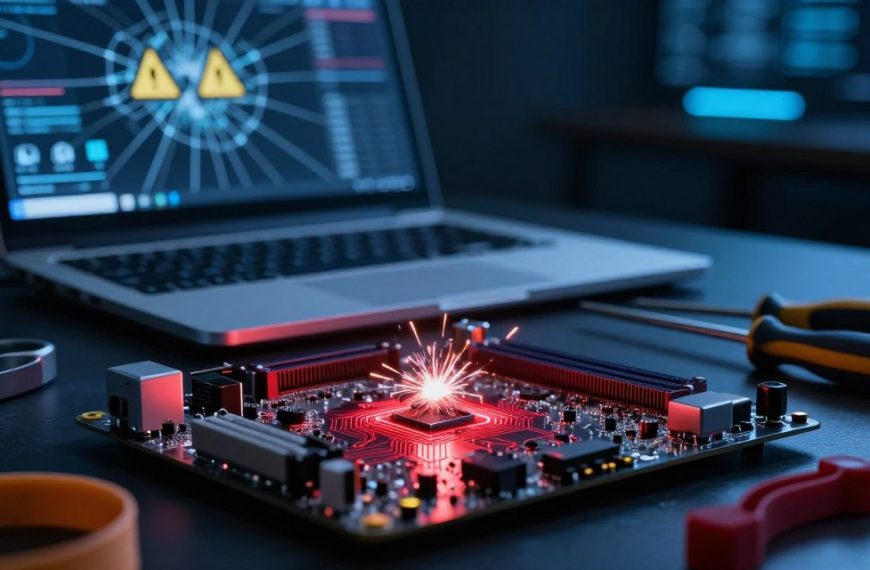
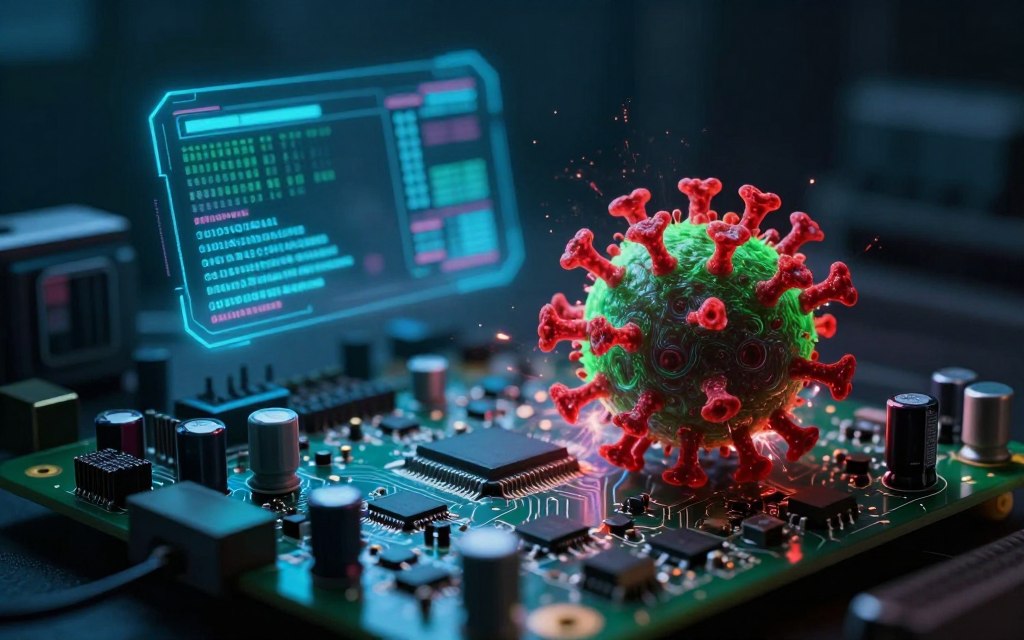

Many people ask: can a computer virus infect hardware? The short answer is no: typical malware does not directly infect physical components. Instead, it attacks software layers that control these components, disrupting firmware and boot processes while leaving hardware unharmed.
This article explores attacks that can compromise devices. It covers firmware attacks, bootkits, rootkits, and destructive malware. We will also examine industrial control system threats; understanding them is crucial because they differ from common malware symptoms.
As technology evolves, cybercriminals change their tactics. A hardware-level cyberattack can cause computer virus hardware damage, though such cases are rare. Firmware security matters for computers, servers, IoT devices, and critical infrastructure.
Key Takeaways
- Traditional malware does not directly infect physical devices.
- Malicious code can target firmware and boot processes.
- Firmware attacks can lead to serious security risks.
- Understanding these threats is essential for effective cybersecurity.
- Hardware-level attacks, while rare, can cause significant damage.
What “Infecting Hardware” Actually Means in Cybersecurity
In cybersecurity, hardware versus software helps explain what attacks target. These terms also clarify how attacks happen and challenge common myths.
Defining Hardware vs. Software in Modern Computing
Hardware means the physical components of a computer system. These include:
- Processors
- Memory
- Storage devices
- Motherboards
- Network adapters
- Sensors and peripheral controllers
Software includes the programs and operating systems that run on hardware. These include:
- Operating systems
- Applications
- Drivers
- Firmware
Firmware sits between hardware and software. It gives a device low-level control over its specific hardware.
The Myth of Self-Replicating Hardware Viruses
Some people believe a self-replicating hardware virus can exist. However, viruses usually copy themselves by changing files or programs.
They do not spread through metal, silicon, or plastic. Software can still damage or disable hardware without infecting it biologically.
Software can:
- Reconfigure hardware settings
- Place devices under abnormal operating conditions
- Cause physical wear through resource exploitation
These differences matter for stronger physical device security. They also prepare us to discuss firmware compromises and hardware-targeted malware.
Can a Computer Virus Infect Hardware Directly?
Many cybersecurity experts ask whether direct hardware infection is possible. The short answer is no: a traditional computer virus usually cannot infect hardware components on its own. These viruses need executable code, storage, memory, and an operating environment to work.
Understanding the software-to-hardware pathway is crucial. A software-to-hardware attack often exploits trusted system interfaces and device-control layers to reach physical components. For example, malware can use the operating system, drivers, firmware interfaces, bootloaders, or management utilities to send unauthorized hardware commands.
- Changing storage-controller behavior
- Disabling a network adapter
- Altering power-management settings
- Interfering with industrial machinery
These attacks still use malicious code through a software or firmware layer. They may cause temporary malfunctions, permanent device damage, data destruction, or persistent firmware compromise. Although a virus may not infect the silicon, its effects can be severe for functionality and security.
For more information about how malware can infect your PC, refer to this resource.
How Firmware Attacks Compromise Physical Devices
Firmware is often overlooked, yet it attracts sophisticated cyber threats. It is low-level code stored in nonvolatile memory that initializes and manages hardware.
Because it runs before the operating system, firmware can be hard to inspect, update, or remove. This creates opportunities for a firmware attack, persistence, and concealment.
Understanding firmware as an attack surface is essential for UEFI security. Attackers may exploit weak update systems, stolen administrative credentials, or unsigned firmware. These weaknesses can let malicious actors control devices without detection, creating an embedded system exploit.
Understanding Firmware as an Attack Surface
Firmware serves as a critical link between hardware and software. Unlike traditional software, it often stays unchanged for long periods and receives less monitoring. This static design can create vulnerabilities, while securing firmware may require specialized knowledge and tools.
BIOS, UEFI, and Embedded System Exploits
Two main firmware types are BIOS and UEFI. UEFI replaced legacy BIOS and provides a more flexible preboot environment. It adds Secure Boot, which helps block unauthorized firmware, but its complexity can create BIOS malware risks.
How UEFI Replaced Legacy BIOS
UEFI was designed to fix limits in legacy BIOS. BIOS uses a 16-bit environment, but UEFI supports 32-bit and 64-bit modes. These modes support larger storage devices and faster boot times, yet UEFI systems face specific exploits, such as malicious option ROMs.
Common Firmware Vulnerability Examples
Firmware vulnerabilities include the following examples:
- Malicious option ROMs that can be loaded during the boot process.
- Vulnerable motherboard firmware that can be exploited to gain unauthorized access.
- Router firmware flaws that allow attackers to manipulate network traffic.
- Embedded controller weaknesses that can lead to device takeover.
Firmware attacks are less common than traditional malware, but they can cause serious damage. Remediation is often difficult because reinstalling the operating system may not remove the threat. Understanding these vulnerabilities is crucial for effective security strategies.
Common Types of Hardware-Targeted Malware
A closer look at hardware-targeted malware shows several categories. Each category creates different risks for devices and data.
Rootkits and Bootkits
Rootkit and bootkit threats can hide inside systems, making them hard to detect.
- Rootkits: These are designed to gain unauthorized access to a computer while remaining hidden. They modify existing software layers, allowing attackers to maintain control over the system without being detected.
- Bootkits: A type of rootkit that specifically targets the boot process. Bootkits can load before the operating system, compromising the system at a fundamental level.
Defining Rootkits and Bootkits
Rootkits and bootkits can stay inside a system and avoid standard security tools. They give attackers ongoing access without immediately damaging hardware.
Ransomware with Hardware-Destructive Payloads
Ransomware often encrypts files and demands payment. However, firmware ransomware can disrupt device firmware and cause serious operating problems.
- Firmware Ransomware: This type of ransomware targets the firmware of devices, encrypting critical components and rendering them unusable. Recovery can be extremely challenging, as it may disable recovery functions or manipulate device-management systems.
- Notable Ransomware Variants: Certain ransomware strains have been confirmed to target firmware, although evidence remains limited. Understanding these threats is crucial for developing effective defenses.
Notable Ransomware Variants Targeting Firmware
Firmware-targeting ransomware can cause permanent damage, unlike attacks focused only on data. It may not demand payment, but it can severely harm hardware function.
Wiper Malware Designed for Physical Damage
Wiper malware focuses on destruction instead of ransom. It can erase data, corrupt system structures, or block recovery.
- Destructive Code: This malware is engineered to eliminate data and disrupt system integrity. Unlike ransomware, wiper malware does not seek financial gain but aims to cause chaos and damage.
- Examples of Wiper Malware: Various instances have been documented where wiper malware was used to target organizations, leading to significant operational setbacks.
Recognizing hardware-targeted malware helps organizations build stronger cybersecurity. Each type creates different challenges, and understanding its behavior supports better defenses.
Real-World Examples of Hardware-Level Attacks
Real-world examples of hardware-level attacks show how malware can threaten physical systems. These incidents reveal how cybercriminals manipulate physical processes, disrupt critical infrastructure, and test cybersecurity limits.
Stuxnet and Industrial Control Systems
The Stuxnet industrial control systems attack used a sophisticated worm. It was developed to disrupt Iran’s nuclear program and manipulated Siemens control environments. It changed centrifuge operations while showing operators misleading information, proving software can cause major physical effects.
Stuxnet’s Technical Approach
Stuxnet used an intricate design with multiple zero-day vulnerabilities. These flaws let it enter systems without detection. The real-world hardware attack controlled centrifuge speeds, caused physical damage, and reported normal operations.
NotPetya and Global Infrastructure Damage
NotPetya was a destructive wiper malware. Unlike traditional hardware viruses, NotPetya mainly disrupted software and infrastructure. It encrypted files, disabled systems, and caused widespread operational and financial damage worldwide.
NotPetya’s Wiper Functionality
NotPetya’s wiper functionality had a catastrophic effect on businesses and government entities. It spread rapidly, crippled networks, and slowed recovery efforts. Its destructive behavior exposed weaknesses in global infrastructure and showed the far-reaching effects of cyberattacks.
BadBIOS and Firmware Infection Research
BadBIOS firmware research explores a controversial area involving firmware infections. Although no attack was confirmed, it sparked debate about unusual firmware persistence and hardware communication concepts. The research shows malware might exist beyond conventional detection methods.
Together, these real-world hardware-level attacks show why organizations need strong cybersecurity measures. Understanding their effects helps organizations prepare for threats in an increasingly digital landscape.
| Attack | Type | Target | Impact |
|---|---|---|---|
| Stuxnet | Worm | Industrial Control Systems | Physical damage to centrifuges |
| NotPetya | Wiper Malware | Global Infrastructure | Operational disruption |
| BadBIOS | Research | Firmware | Potential for undetectable infections |
How Malware Damages Hardware Components
Malware can damage hardware in several ways. Understanding these methods helps prevent device failure and protect system integrity.
Overwriting Firmware Beyond Recovery
One direct route to hardware failure is firmware corruption. When malicious code writes invalid data to firmware in motherboards or storage controllers, devices may stop working. The damage may be recoverable or permanent:
- Recoverable Corruption: In some cases, vendors provide recovery processes that can restore the device to its original state.
- Unrecoverable Damage: In severe cases, the damage may be permanent, necessitating chip or board replacement.
Physical Wear Through Resource Exploitation
Malware can also cause permanent hardware damage through a resource exhaustion attack. This attack may involve excessive use of system resources, including:
- Excessive Processor Usage: Continuous high CPU usage can lead to overheating and component failure.
- Repeated Write Operations: Constant writing to storage can shorten the lifespan of SSDs and HDDs.
- Uncontrolled Voltage or Thermal Settings: Malware can manipulate power settings, leading to overheating.
- Rapid Cycling of Storage or Memory Components: Frequent read/write cycles can accelerate wear.
Modern systems often use safeguards, such as thermal throttling and power controls, to reduce these risks. This wear is usually a secondary effect of malicious attacks, not everyday malware infections.
Vulnerable Hardware: What Gets Targeted Most
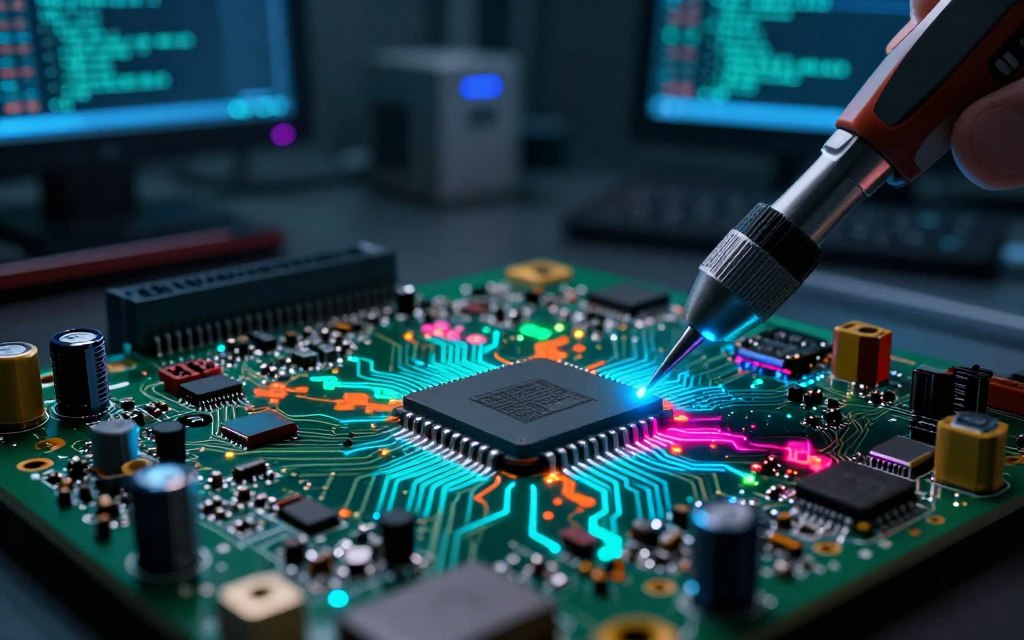
Today’s connected world leaves some hardware types more open to cyber threats. Knowing these weak points supports effective cybersecurity plans. Vulnerable hardware faces different risks based on connectivity, updates, and operational impact.
Consumer Devices and IoT Equipment
Consumer devices, especially Internet of Things (IoT) products, often have serious weaknesses. These risks make IoT device security essential. Common issues include:
- Weak default passwords: Many devices come with factory-set passwords that are easy to guess.
- Outdated firmware: Users frequently neglect to update their devices, leaving them exposed to known vulnerabilities.
- Insecure update mechanisms: Some devices lack secure methods for firmware updates, allowing attackers to exploit them.
- Exposed management interfaces: Poorly secured interfaces can provide unauthorized access to attackers.
- Large numbers of remotely managed devices: The sheer volume of IoT devices increases the attack surface for cybercriminals.
Enterprise Servers and Network Infrastructure
Enterprise servers and network infrastructure attract attackers. Server firmware security is important for these systems. They often include:
- Baseboard management controllers: These can be exploited for remote access and control.
- Storage arrays and routers: Compromising these can lead to data breaches and network failures.
- Virtualization hosts: Attackers can gain broad access to multiple virtual machines through a single compromised host.
- Supply-chain dependencies: Vulnerabilities in hardware components can create backdoors for attackers.
Compromising these systems can give attackers persistent access and broad control over enterprise environments.
Critical Industrial and Medical Systems
Critical systems in industrial and medical settings face unique challenges. Industrial cybersecurity and medical device security address risks in these environments. These systems often have:
- Long lifecycles: Many devices are not designed for regular updates, making them vulnerable over time.
- Specialized software: Limited vendor support can lead to unpatched vulnerabilities.
- Safety requirements: Disrupting these systems can have severe consequences for safety and patient care.
- Limited downtime: The need for continuous operation can hinder effective patch management.
A vulnerability does not guarantee compromise. Risk depends on exposure, authentication practices, segmentation, vendor support, patching, monitoring, and an attacker’s ability to reach privileged control layers.
“Understanding which hardware is most vulnerable can help mitigate potential risks.”
For more insights on hardware vulnerabilities, check out this article on hardware security.
How to Detect Hardware-Level Infections
Firmware compromise detection can be difficult because standard antivirus programs often miss these threats. To address possible threats, watch the behavioral indicators of firmware compromise. These signs vary widely; some may signal serious problems, but hardware failures or configuration errors can cause them.
Behavioral Indicators of Firmware Compromise
When checking for hardware malware symptoms, watch for these warning signs:
- Unexplained boot failures or crashes
- Changes in firmware settings without user authorization
- Secure Boot alerts that indicate potential tampering
- Repeated reinstallation of malware even after an operating system reset
- Unexpected device-management accounts appearing
- Disabled security controls that were previously active
- Unusual network traffic from embedded equipment
These symptoms may suggest a firmware compromise, but legitimate updates or driver issues can cause them. A thorough investigation remains essential.
Diagnostic Tools and Security Solutions
To confirm a possible hardware infection, use security diagnostic tools. These tools include:
- Endpoint security solutions that provide real-time monitoring
- Secure-boot validation processes to ensure firmware integrity
- Vendor diagnostic utilities that can assess hardware health
- Event logs that record unusual activities
- Hardware inventory checks to identify unauthorized changes
- Network monitoring tools to detect abnormal traffic patterns
Among these, Microsoft Defender can help assess boot and endpoint threats. A Microsoft Defender firmware scan may support this check. Its capabilities vary by Windows edition and hardware configuration.
Microsoft Defender and Third-Party Scanners
Third-party scanners can complement Microsoft Defender when assessing firmware integrity. They may find vulnerabilities that standard antivirus tools miss, but they do not prove infection.
If you suspect a hardware-level infection, preserve evidence and consult an incident-response specialist first. Avoid drastic steps, such as wiping or reflashing the device, until then. This approach helps protect critical data while you address the issue.
Protecting Your Devices from Hardware-Targeted Attacks
Protecting devices from hardware-targeted attacks requires several layers of defense. Proactive steps can reduce the risk of infection and damage. These strategies support strong device protection.
Firmware Updates and Patch Management
Regular firmware updates are crucial for device protection. Get updates directly from device manufacturers to confirm their authenticity. Check release notes and signatures whenever they are available.
Testing updates in managed environments before full deployment can prevent potential issues. Together, these steps form firmware update best practices.
Recommended Firmware Update Schedule
Set update frequency from vendor advisories and critical vulnerability announcements, not an arbitrary calendar. Review systems monthly or quarterly, but deploy urgent updates immediately for actively exploited flaws.
Hardware Security Modules and Trusted Computing
A hardware security module (HSM) is an essential component for trusted computing. HSMs store cryptographic keys and support secure operations. They improve security by safeguarding sensitive information.
Trusted Platform Module (TPM) Benefits
A Trusted Platform Module (TPM) provides several TPM security benefits:
- Measured Boot: Ensures that only trusted software is loaded during startup.
- Device Identity: Provides a unique identity for each device, enhancing security.
- Disk-Encryption Key Protection: Safeguards encryption keys from unauthorized access.
- Attestation Support: Allows verification of device integrity and security posture.
TPMs provide strong security, but they cannot stop every attack. Combine TPM security with other measures for broader protection.
Best Practices for Individuals and Organizations
Home users and organizations should follow these device protection best practices:
- Enable Secure Boot to ensure only trusted software runs on startup.
- Use strong administrative authentication to restrict access.
- Disable unused management interfaces to minimize vulnerabilities.
- Segment critical systems to limit exposure in case of an attack.
- Restrict physical access to sensitive devices to prevent tampering.
- Back up configuration data regularly to facilitate recovery.
- Monitor vendor advisories for updates and potential vulnerabilities.
- Maintain tested offline backups to ensure data recovery options.
These strategies can greatly improve device protection against hardware-targeted attacks.
The Future of Hardware-Based Cyber Threats
The rise of 5G and edge computing makes future hardware cyber threats more complex. A more connected world creates new weaknesses and expands the attack surface for cybercriminals.
Connected vehicles, industrial IoT, and smart buildings create opportunities for malicious actors. These systems often use firmware-controlled parts, which makes them prime attack targets. Edge computing security can be harder because data processing is spread across many locations.
Emerging Attack Vectors in 5G and Edge Computing
5G technology provides remarkable speed and low latency. However, weak device provisioning can leave systems open to attack. 5G security must also address cloud-to-device communications, third-party parts, and supply-chain compromises.
- Insecure device provisioning
- Cloud-to-device management vulnerabilities
- Third-party component risks
- Supply-chain compromises
- Weaknesses in trusted execution environments
These risks create a growing landscape of possible attacks. Attackers may target software and management layers around hardware instead of creating self-replicating hardware viruses.
Defensive Innovations and Industry Response
The industry is responding with new defensive measures. Secure boot, hardware-backed identity, and signed firmware support a strong security framework. Remote attestation and memory protections further improve device integrity.
A zero-trust architecture can reduce risks by checking every access request. Automated asset discovery and coordinated vulnerability disclosure also help fight hardware-based cyber threats.
“The future of cybersecurity lies not just in protecting hardware but in securing the entire ecosystem surrounding it.”
Future attacks will likely target software and management weaknesses instead of creating self-replicating hardware viruses. Organizations must prioritize hardware-based cybersecurity and adapt to changing threats.
Conclusion
Understanding computer viruses and hardware matters in today’s digital landscape. A can a computer virus infect hardware conclusion is clear: traditional viruses do not directly infect physical hardware. Instead, malware can compromise devices through software, firmware, and other privileged control layers.
Operating-system viruses, rootkits, bootkits, and destructive wipers can affect hardware in different ways. Firmware attacks are less common than standard malware, but they can disable devices or cause physical damage. Regular updates and patch management provide firmware security protection.
To prevent hardware cyberattacks, individuals and organizations should follow basic security practices. Keep devices and firmware updated, use reputable security tools, and protect administrative access. Follow manufacturer guidance, and seek professional incident response after unexplained firmware or boot-level behavior.
Although a computer virus may not infect hardware directly, firmware and software vulnerabilities still create significant risks. Awareness and proactive measures help maintain device integrity and security.

 By
By