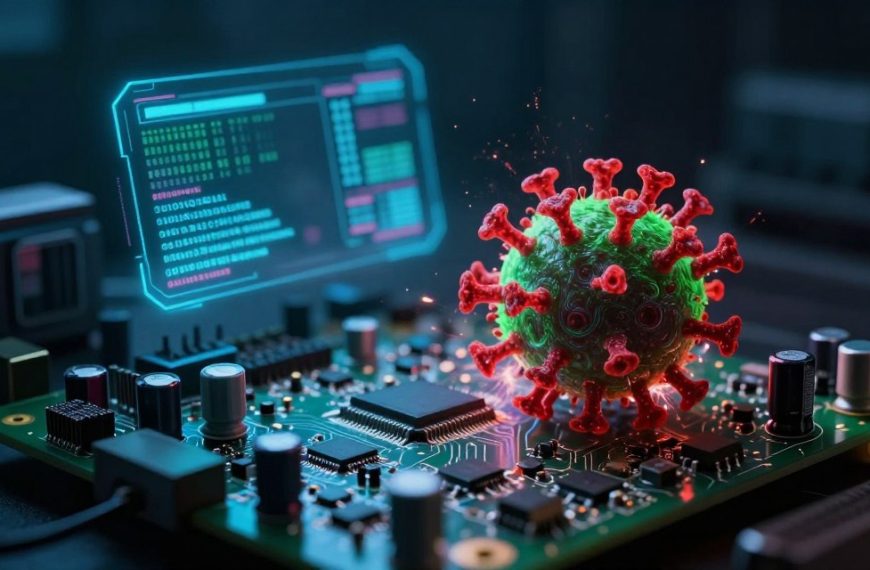
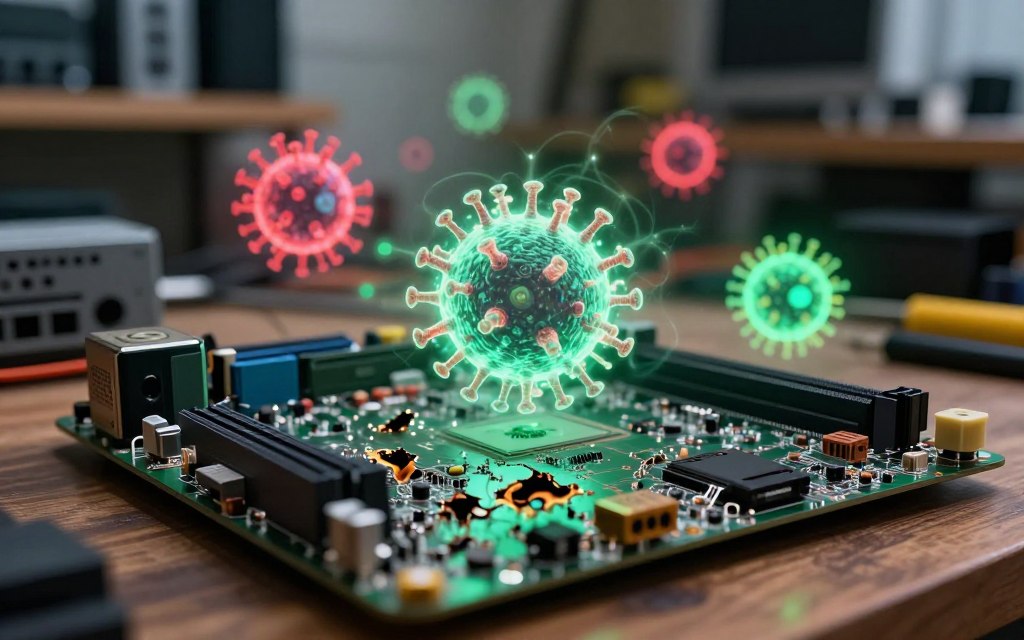

When people discuss malware threats, they often ask, can computer virus damage hardware? Most infections do not destroy devices, but they can create stress that harms components. Excessive resource use may cause overheating, leading to virus damage to computer parts over time.
Most malicious software steals data or uses system resources instead of causing direct physical harm. Still, malware and hardware can interact when attacks disrupt power management or cooling systems. This distinction matters when people consider device life and computer virus hardware damage.
This article explains how malware interacts with hardware through direct attacks and indirect stress. It gives real-world examples and describes warning signs to watch for. It also offers practical steps to protect technology from potential threats.
Key Takeaways
- Malware typically targets data rather than physical components.
- Overheating can result from excessive resource usage by malicious software.
- Power management disruptions can lead to hardware stress.
- Identifying warning signs can help in early detection of issues.
- Practical protection steps are vital for safeguarding devices.
Understanding Computer Viruses and How They Interact with Hardware
Computer viruses pose a major concern in today’s digital landscape. They can spread by entering files, programs, documents, or system processes. Learning how they work helps protect computer hardware.
Viruses are malware, but they differ from worms, ransomware, and spyware. A virus cannot directly reach physical components. It depends on operating system hardware access through applications, drivers, and firmware.
What Is a Computer Virus?
The computer virus definition describes malware that copies itself and spreads to other systems. It can cause minor disruptions or severe data loss. Viruses often attach to legitimate software, making detection difficult until serious harm occurs.
How Software Communicates with Physical Components
Software communicates with hardware through commands and protocols. Operating system hardware access lets applications send instructions to the CPU, GPU, and storage devices. This software and hardware interaction helps computers function properly.
Drivers translate operating system commands into instructions hardware can understand. Firmware controls hardware at a low level, helping components work efficiently.
A virus can change component behavior, but it cannot physically damage hardware. It may create excessive workloads, causing overheating or higher power use. Modern hardware often uses safeguards and thermal controls to prevent permanent damage.
Users can see how malware affects hardware by understanding software and hardware interaction. This awareness helps users protect their devices from threats.
Can Computer Virus Damage Hardware?
Can a virus damage a computer? Yes, but hardware damage usually happens only under specific conditions. Understanding these effects helps with diagnosis and prevention.
The Short Answer: Yes, but Rarely Directly
Rarely, a computer virus can cause direct hardware damage. However, this is not typical. Most malware harms software, causing data corruption or system instability, while modern hardware uses protective mechanisms.
Why Direct Physical Destruction Is Uncommon
Several factors make malware-induced hardware failure rare. Modern CPUs and GPUs use thermal throttling to prevent overheating. When temperatures rise too high, these parts shut down automatically.
Power supplies use safety protections that reduce risks from voltage spikes. Operating systems limit access to low-level hardware resources, making physical harm difficult for typical malware.
Apparent hardware damage may actually come from software problems. Corrupted drivers, damaged system files, or failing storage devices can reduce performance. Proper diagnosis matters before replacing components.
| Issue | Symptoms | Possible Causes |
|---|---|---|
| Overheating | System shuts down unexpectedly | Malware causing excessive CPU usage |
| Slow Performance | Applications lag or freeze | Corrupted drivers or background processes |
| Storage Issues | Frequent crashes or data loss | Failing hard drive or SSD |
Computer virus physical damage is possible, but these cases are rare and often indirect. Diagnose the root cause to avoid unnecessary hardware replacements.
Types of Malware That Can Impact Hardware Performance
Understanding malware types helps us judge their possible effects on hardware performance. Each category can strain system resources differently and cause operating problems. This section examines worms, ransomware, and rootkits.
Worms and Their Effect on System Resources
Worms and system resources can become a serious concern because worms spread across networks without human help. After entering a system, they use CPU cycles, memory, and bandwidth while seeking vulnerable systems, slowing performance. Experts say, “Worms can create a bottleneck in network traffic, making legitimate data transfers sluggish.”
Ransomware and the Strain It Places on Devices
Ransomware computer performance suffers when file encryption creates heavy disk activity. It uses processor resources and disrupts normal applications, which can make the system unstable. Its main goal is extortion, but these side effects can greatly reduce hardware performance.
Rootkits and Firmware-Level Attacks
A rootkit firmware attack is especially concerning because rootkits can hide their activity. They operate at the kernel, boot, or firmware level. Firmware malware may disrupt device startup or low-level controls, causing strange behavior and difficult-to-trace hardware problems.
| Type of Malware | Primary Effect | Impact on Performance |
|---|---|---|
| Worms | Network congestion | High CPU and memory usage |
| Ransomware | File encryption | Heavy disk activity, system instability |
| Rootkits | Stealth operations | Interference with device controls |
These malware types can strain systems without automatically causing physical component damage. Monitor resource use closely, and assess risks based on persistence, privilege level, and the malware’s goals. For more information on malware and its effects, visit Malwarebytes.
Real-World Cases of Malware Affecting Hardware
Real-world examples show how malware can reach beyond digital systems and affect hardware. Two cases stand out: Stuxnet industrial equipment attacks and mobile malware’s effect on battery health.
The Stuxnet Worm and Industrial Equipment
The Stuxnet worm is a key example of industrial control system malware targeting programmable logic controllers (PLCs) in industry. The malware changed machinery’s operating conditions, causing physical wear and disruption. It changed centrifuge speeds in nuclear facilities, causing major damage in specialized environments.
Mobile Malware and Battery Degradation
Meanwhile, mobile malware threatens devices as malicious apps and aggressive ad software keep processors, screens, and network radios active. This creates excess heat, uses battery cycles faster, and causes mobile malware battery drain. Over time, heat and deep discharges can reduce battery capacity without immediate chemical destruction.
These cases show software can cause physical harm when it controls systems for long periods or operates in special settings. These malware real-world examples clarify malware’s wider effects on hardware.
| Case Study | Type of Malware | Impact on Hardware |
|---|---|---|
| Stuxnet | Industrial Control System Malware | Physical damage to centrifuges |
| Mobile Malware | Spyware and Adware | Battery degradation and overheating |
| General Malware | Various Types | Resource overload leading to hardware wear |
For more insight into how malware can affect hardware, read this article.
How Viruses Indirectly Damage Hardware Components
Most people see viruses as software threats, but they can also cause indirect hardware damage. This damage often comes from processes that strain computer resources over time. Here is how it happens.
Overheating from Sustained Resource Overload
Malware overheating computer systems can involve malicious mining, password cracking, or botnet operations. Heavy workloads create excess heat. “Heat is the enemy of electronic components,” says tech expert John Doe.
If cooling fails, the computer may throttle, crash, or suffer a shorter hardware lifespan. Poor ventilation, dust, and failing fans can worsen overheating. Maintain thermal controls to keep temperatures safe.
Regular cleaning and temperature checks can reduce these risks.
Hard Drive Wear from Continuous Read/Write Operations
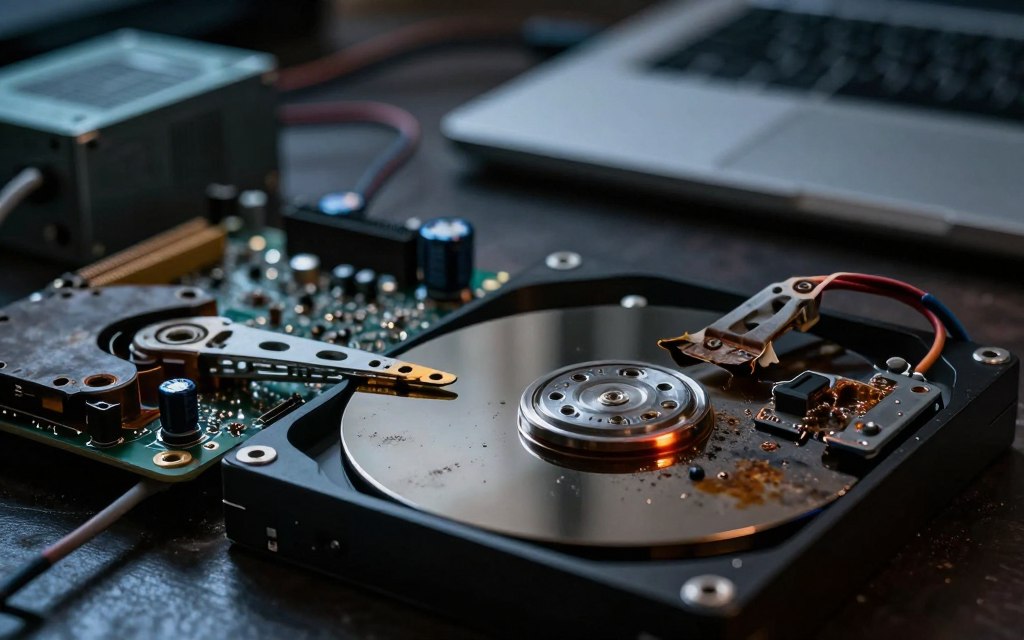
Hard drive wear malware can cause excessive read/write activity. These continuous read write operations can wear out storage devices. File encryption, logging, and repeated downloads can create this strain.
Traditional hard drives (HDDs) may suffer mechanical wear as platters and actuator arms work continuously. Solid-state drives (SSDs) have finite write endurance. However, modern SSDs usually handle regular use without issues.
Storage failures can result from wear, corrupted file systems, or interrupted writes. Regularly back up your data to prevent losses from malware activity.
Battery Drain on Laptops and Smartphones
Malware battery drain can affect laptops and smartphones when malicious software runs constantly. Software that keeps applications, radios, or location services active uses more power. This creates more charging cycles, which can wear down batteries over time.
Heat and deep discharges can speed battery aging. Modern devices have thermal protections and power management, but constant malicious activity can still cause accelerated wear. Monitor performance and act if you suspect malware.
Malware may not cause immediate physical destruction, but it can slowly damage hardware components. Understanding these risks helps you take steps to protect your devices.
Hardware Components Most Vulnerable to Malware Attacks
Some vulnerable computer components face greater malware risks than others. Knowing these weaknesses helps users protect their systems. We examine the main affected parts and their risks below.
CPUs and Graphics Processing Units
CPUs and GPUs handle key processing tasks, so malware often targets them. CPU malware load can follow cryptomining or password cracking, causing sustained high temperatures. Thermal throttling can protect these parts, but lasting heat may cause long-term damage.
Moreover, GPU malware usage can sharply reduce performance during gaming or graphic-intensive tasks. This stress may cause early wear and failure without close monitoring.
Storage Devices Including HDDs and SSDs
HDDs and SSDs face distinct malware challenges. HDDs have moving parts, so repeated file changes and corruption can increase mechanical wear. This damage can cause major data loss and system instability.
SSDs have no moving parts, but their write endurance is limited. Frequent write operations create HDD and SSD malware risks and may shorten device life. Firmware vulnerabilities can also let malware manipulate data at a low level.
Power Supply Units and Cooling Systems
Malware usually does not attack power supply units (PSUs) directly. However, abnormal loads can cause instability. Existing PSU defects may worsen with computer cooling system malware, causing overheating and possible failure.
Cooling systems, including fans and pumps, keep temperatures at safe levels. Malware cannot infect these parts, but it can make the system run hot. Then, a weak fan or clogged heatsink can become a serious problem, making monitoring and maintenance essential.
Common Myths About Viruses and Hardware Damage
Many computer virus myths wrongly claim that viruses destroy hardware in computer systems. In reality, most malware seeks financial gain, data theft, or espionage. Authors usually seek lasting system access, because physical damage costs money and works against their goals.
Another myth says antivirus software cannot prevent hardware damage. Although these tools cannot repair damaged components, they provide important antivirus hardware protection. They identify malicious files, block suspicious activities, quarantine threats, and reduce malware’s resource use, indirectly protecting hardware.
One of these malware prevention myths says slow performance automatically means hardware damage. Likewise, hardware failure does not necessarily mean malware is involved. Antivirus protection, regular updates, safe browsing habits, and temperature monitoring help maintain hardware health.
| Myth | Reality | Impact on Hardware |
|---|---|---|
| All viruses destroy hardware | Most are designed for financial gain | Physical damage is rare |
| Antivirus can’t prevent damage | Prevention is key | Reduces risk of overload |
| Slow performance means damage | Can be due to software issues | Not always hardware-related |
Warning Signs Your Hardware May Be Affected by Malware
Strange computer behavior may show signs of malware infection. Malicious software can threaten your hardware and cause several warning signs. Spotting them early helps you act before serious damage occurs.
Unusual Performance Issues and Slowdowns
Unusual performance issues often provide an early sign of malware infection. Your computer may run slowly, even during simple tasks. High CPU or GPU use while idle may show malware consuming resources in the background.
Frequent crashes or unexpected freezes can point to deeper problems. Check Task Manager or Activity Monitor for unfamiliar processes. Unknown apps using many resources may need further investigation.
Excessive Heat and Unusual Noises
Excessive heat can result from malware running heavy tasks in the background. Computer overheating symptoms include unusual warmth, while clicking or grinding may signal mechanical failure rather than malware. These unusual computer noises need immediate attention.
Dust buildup or blocked vents can also cause overheating. Regular maintenance helps prevent these issues, but persistent symptoms require a technician.
Unexpected Shutdowns and System Instability
Unexpected shutdowns, blue screens, and boot failures can signal serious problems. Malware, damaged drivers, and hardware failures may cause these issues. System instability can also result from overheating, bad memory, or storage failure.
After frequent shutdowns or instability, check recent software installations or updates for conflicts. A reputable security scan can find threats, including unexpected shutdown malware. If problems continue, seek professional help.
| Warning Sign | Possible Cause | Recommended Action |
|---|---|---|
| Unusual Performance Issues | Malware or resource-heavy applications | Check Task Manager for unfamiliar processes |
| Excessive Heat | Background processes or dust buildup | Clean vents and check for malware |
| Unexpected Shutdowns | Malware, driver issues, or hardware failure | Run a security scan and check for updates |
How to Protect Your Hardware from Malware Attacks
To protect computer from malware, combine good practices with the right tools. These steps lower malware risks and reduce harm to your hardware.
Install and Maintain Reputable Antivirus Software
Install reputable antivirus software to help protect your hardware from malware. This software should include:
- Real-time protection to detect threats as they arise.
- Automatic updates for virus definitions to stay ahead of new malware.
- Regular scans to identify and remove any existing threats.
Keep Your Operating System and Drivers Updated
Keep your operating system and drivers updated. Operating system updates often include security patches that fix weaknesses. Make sure to:
- Enable automatic updates for your operating system.
- Regularly check for updates on your drivers and applications.
- Install BIOS and firmware updates from trusted sources.
Practice Safe Browsing and Email Habits
Use safe browsing habits to avoid malware. Follow these tips:
- Avoid clicking on suspicious links or downloading unexpected attachments.
- Verify requests for sensitive information before responding.
- Use unique passwords and enable multifactor authentication where possible.
Perform Regular Backups and System Maintenance
Use a strong malware backup strategy to protect your data. Backups can prevent data loss from ransomware or hardware failure. Consider these steps:
- Maintain at least one backup that is not continuously connected to your computer.
- Test your backup restoration procedures to ensure they work when needed.
- Monitor hardware health by keeping vents clear and removing dust.
These steps help protect your hardware from malware attacks and extend its life. Prevention limits prolonged resource abuse and speeds recovery after infection. Regular computer maintenance also supports reliable protection.
Conclusion
Understanding how computer viruses affect hardware helps maintain device integrity. Viruses can damage hardware, but this is rare and usually happens indirectly. Most viruses cause overheating, heavy resource use, and fast battery wear, which can stress hardware.
For everyday users, computer virus hardware protection is vital. Use reputable antivirus software and install system updates as part of hardware security best practices. Watch for unexpected shutdowns or excess heat, which may signal malware or hardware faults.
To prevent malware damage, make regular backups and perform routine maintenance. Prioritizing malware and device safety helps systems stay efficient and secure. Strong cybersecurity and proper device care protect data and support hardware longevity.

 By
By